





 Technology
X (Twitter) OAuth Integration Guide (Step-by-Step Implementation for Developers)
🔐 X (Twitter) OAuth Integration Guide (Step-by-Step Implementation for Developers)
X (formerly Twitter) OAuth integration allows your application to securely authenticate users and access selected profile data through a safe authorization flow. If you're building modern social login systems, marketing tools, recruitment platforms, or engagement-based applications, X OAuth can help you simplify sign-in and improve user onboarding.
At AivoraNexGen, we build scalable OAuth and API integration systems that help businesses automate authentication, improve user experience, and connect social platforms with CRM, ERP, and analytics solutions. You can also explore our related guides on LinkedIn OAuth Integration, Instagram OAuth Integration, and Facebook OAuth Integration to build a complete multi-platform authentication system.
🔎 What is X OAuth?
X OAuth is based on the OAuth 2.0 protocol. It allows users to log in to your application using their X account without sharing their password directly with your system. This makes authentication more secure and user-friendly.
With X OAuth, your application can:
- Authenticate users using X login
- Access basic user profile information such as name, username, and profile image
- Support social-based onboarding flows
- Integrate with CRM, analytics, and marketing platforms
- Power engagement-based SaaS or community applications
If you're planning a broader OAuth ecosystem, you may also want to read our guides on LinkedIn OAuth for professional platforms and Instagram OAuth for social applications.
⚠️ Important Note Before You Start
X API access is permission-based, and certain features depend on your developer account access level. Basic authentication and profile access are commonly used, but advanced actions may require additional permissions or app configuration.
- Basic login and profile access are used for authentication flows
- Some data access depends on app permissions and API tier
- Advanced posting or account-level actions may require elevated access
Before implementation, always verify the scopes and permissions enabled in your X Developer Portal.
📋 Prerequisites
- X Developer Account
- X App created in the Developer Portal
- Backend server such as Node.js, PHP, or Laravel
- HTTPS-enabled domain for secure redirects
- Database to store OAuth-related user details securely
If you're building an enterprise solution, you can connect this flow with your recruitment, CRM, or user management system for automated onboarding and account linking.
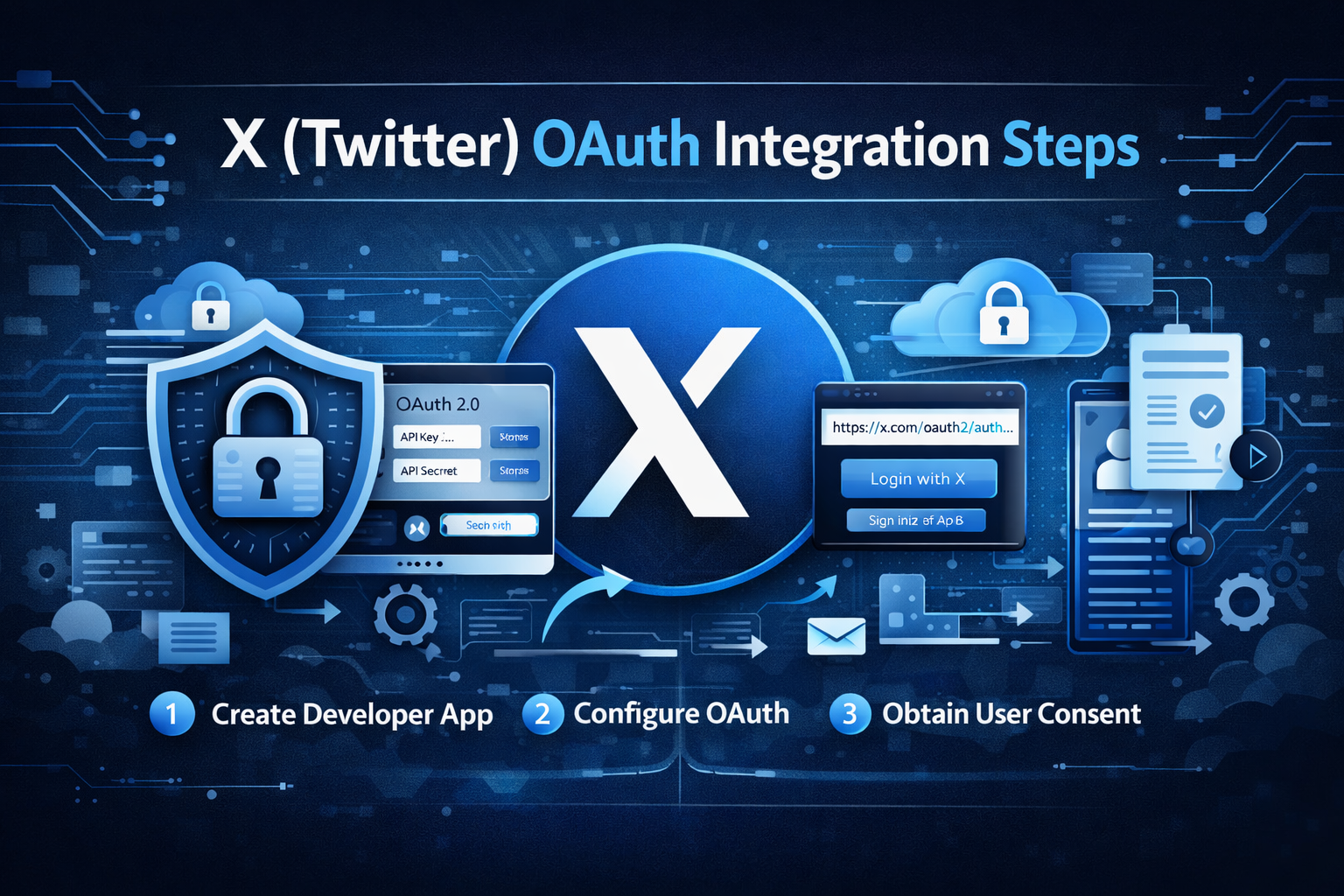
🛠 Step 1: Create Your X Developer App
- Go to the X Developer Portal
- Create a new project and app
- Enter your app name, description, website URL, and callback URL
- Enable user authentication settings
- Generate your client credentials
After setup, save these securely:
- Client ID
- Client Secret
These credentials are required for the OAuth flow. Keep them private and never expose them in frontend code.
🔗 Step 2: Configure OAuth Settings
Inside your X app settings, open:
User Authentication Settings
Add your callback URL, for example:
https://yourdomain.com/auth/x/callback
Then enable OAuth 2.0 and select the required scopes based on your use case. Common scopes include:
tweet.readusers.readoffline.access
For multi-platform integrations, structure your callback routes clearly, such as:
/auth/x/callback/auth/linkedin/callback/auth/instagram/callback/auth/facebook/callback
This improves maintainability and supports better backend architecture.
🚀 Step 3: Generate the Authorization URL
To begin the login flow, redirect the user to the X authorization endpoint:
https://twitter.com/i/oauth2/authorize?response_type=code&client_id=YOUR_CLIENT_ID&redirect_uri=YOUR_REDIRECT_URI&scope=tweet.read%20users.read%20offline.access&state=STATE_VALUE&code_challenge=CODE_CHALLENGE&code_challenge_method=S256
This URL starts the authentication process and asks the user to approve access for your application.
Important values in this URL include:
- response_type=code for authorization code flow
- client_id from your X app
- redirect_uri matching your configured callback
- scope based on required permissions
- state for CSRF protection
- code_challenge for PKCE security
🔄 Step 4: Handle the Authorization Code
After the user approves the request, X redirects back to your callback URL:
https://yourdomain.com/auth/x/callback?code=AUTH_CODE&state=STATE_VALUE
Your backend should:
- Read the
codeparameter - Validate the
statevalue - Continue the token exchange securely from the server side
Do not handle sensitive token exchange logic directly in insecure frontend code.

🔑 Step 5: Exchange Authorization Code for Access Token
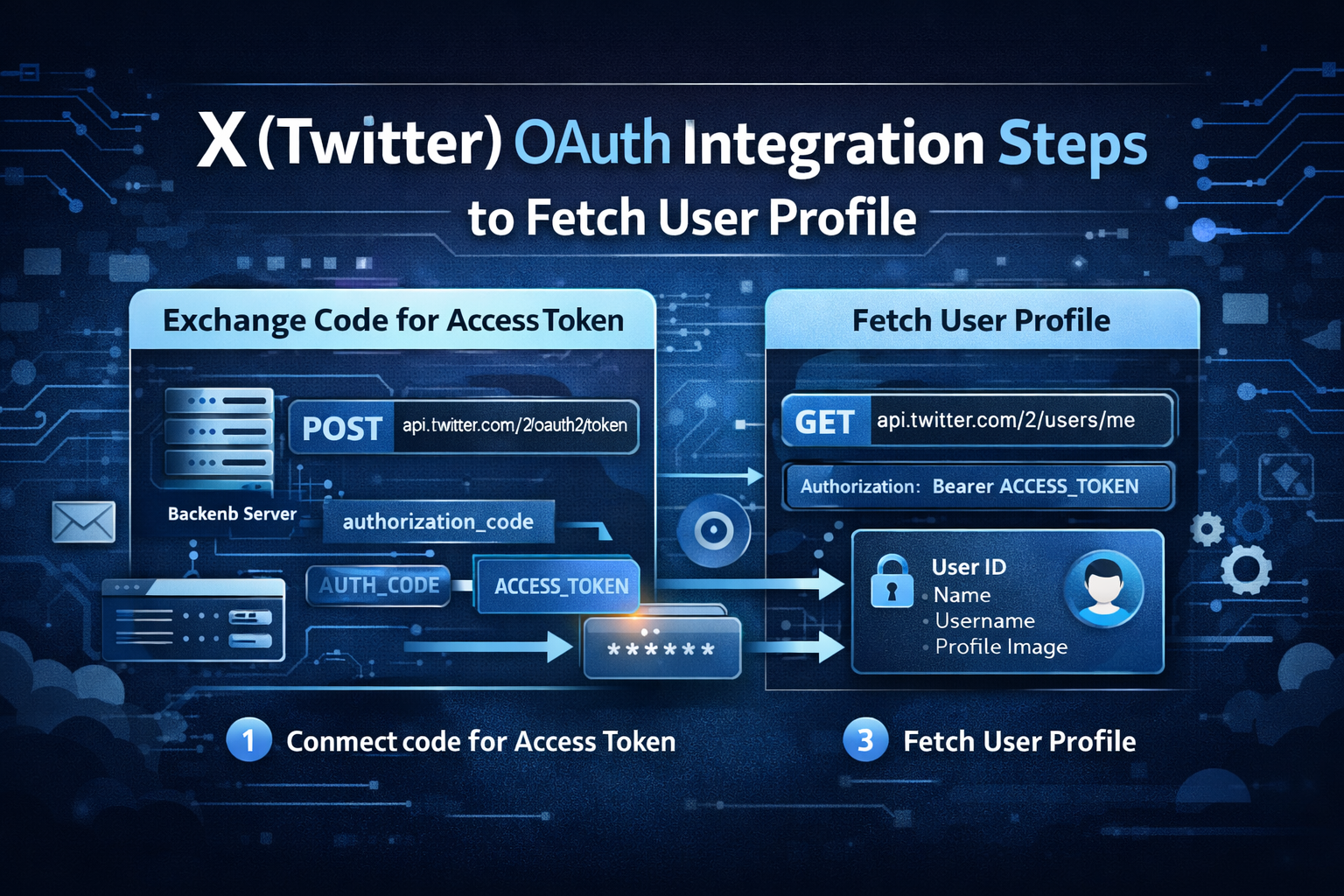
Once you receive the authorization code, send a request to the token endpoint:
POST https://api.twitter.com/2/oauth2/token
Required parameters usually include:
grant_type=authorization_codecode=AUTH_CODEredirect_uri=YOUR_REDIRECT_URIclient_id=YOUR_CLIENT_IDcode_verifier=YOUR_CODE_VERIFIER
The response generally includes:
access_tokenrefresh_tokenexpires_inscopetoken_type
You should securely store these values if your application needs ongoing authenticated access.
👤 Step 6: Fetch User Profile Data
After receiving the access token, you can request the authenticated user's profile information:
GET https://api.twitter.com/2/users/me Authorization: Bearer ACCESS_TOKEN
This typically allows your application to retrieve:
- User ID
- Name
- Username
- Profile image or public profile-related fields, depending on API support
This information can be used to create a user account, link an existing account, or auto-fill onboarding details.
📧 Does X OAuth Provide Email Access?
Email access is not always available by default and may depend on current platform permissions or approved app access. In many implementations, developers use X OAuth mainly for account authentication and profile-based identification rather than email-based onboarding.
If verified email is mandatory in your application, consider pairing X login with other methods such as Google login, LinkedIn OAuth, or manual email verification. For professional onboarding use cases, our LinkedIn OAuth guide may be especially useful.
🗄 Recommended Database Design
For ERP, CRM, SaaS, or recruitment platforms, store OAuth data in a structured and secure way. Suggested fields include:
user_idplatform(x)x_user_idusernamedisplay_nameprofile_imageaccess_tokenrefresh_tokentoken_expirycreated_atupdated_at
This structure helps you support social login, token refresh, and future account sync features. You can also connect it with modules like candidate onboarding, marketing automation, or social CRM.
🔐 Security Best Practices
- Use PKCE for OAuth 2.0 authorization flow
- Never expose your client secret in frontend code
- Validate the
stateparameter to prevent CSRF attacks - Encrypt access and refresh tokens before storing them
- Use HTTPS for all redirect and API communication
- Implement token expiry checks and refresh logic
- Log authentication activity for security monitoring
Security is one of the most important parts of any OAuth integration, especially for SaaS, ERP, and enterprise applications.
⚠️ Common Issues and Fixes
- Invalid redirect URI: The callback URL must exactly match the one configured in the X Developer Portal.
- Code verifier mismatch: Ensure your PKCE code challenge and code verifier are correctly generated and paired.
- Scope error: Use only the scopes allowed for your app.
- Permission denied: Check your developer account level and app access settings.
- State mismatch: Validate state properly to prevent failed or insecure logins.
When debugging, verify every OAuth parameter carefully, especially the redirect URI, state value, scopes, and PKCE values.
🔗 How X OAuth Fits Into Your System
X OAuth can be useful in a wide range of applications, including:
- Social login systems
- Community platforms
- Marketing automation software
- Analytics dashboards
- CRM integrations
- Brand engagement tools
- Multi-platform authentication systems
For maximum value, combine X OAuth with other login providers. This improves flexibility and allows users to sign in using the platform they trust most. You can also strengthen your site’s internal SEO structure by linking related authentication content such as LinkedIn OAuth Integration, Instagram OAuth Integration, and Facebook OAuth Integration.
🚀 Conclusion
X OAuth integration is a powerful solution for secure authentication and social account-based user onboarding. By implementing the correct OAuth 2.0 flow with PKCE, secure token handling, and proper backend architecture, you can build a modern login system that is scalable, secure, and user-friendly.
Whether you are building a CRM, ERP, SaaS application, recruitment platform, or social engagement tool, X OAuth can play an important role in your authentication ecosystem.
To build a stronger multi-platform integration strategy, also explore our related guides on LinkedIn OAuth, Instagram OAuth, and Facebook OAuth.
At AivoraNexGen, we specialize in building enterprise-grade API integrations, secure authentication systems, and scalable digital platforms for modern businesses.