



 Technology
LinkedIn OAuth Integration Guide (Complete 2026 Tutorial + Code Flow)
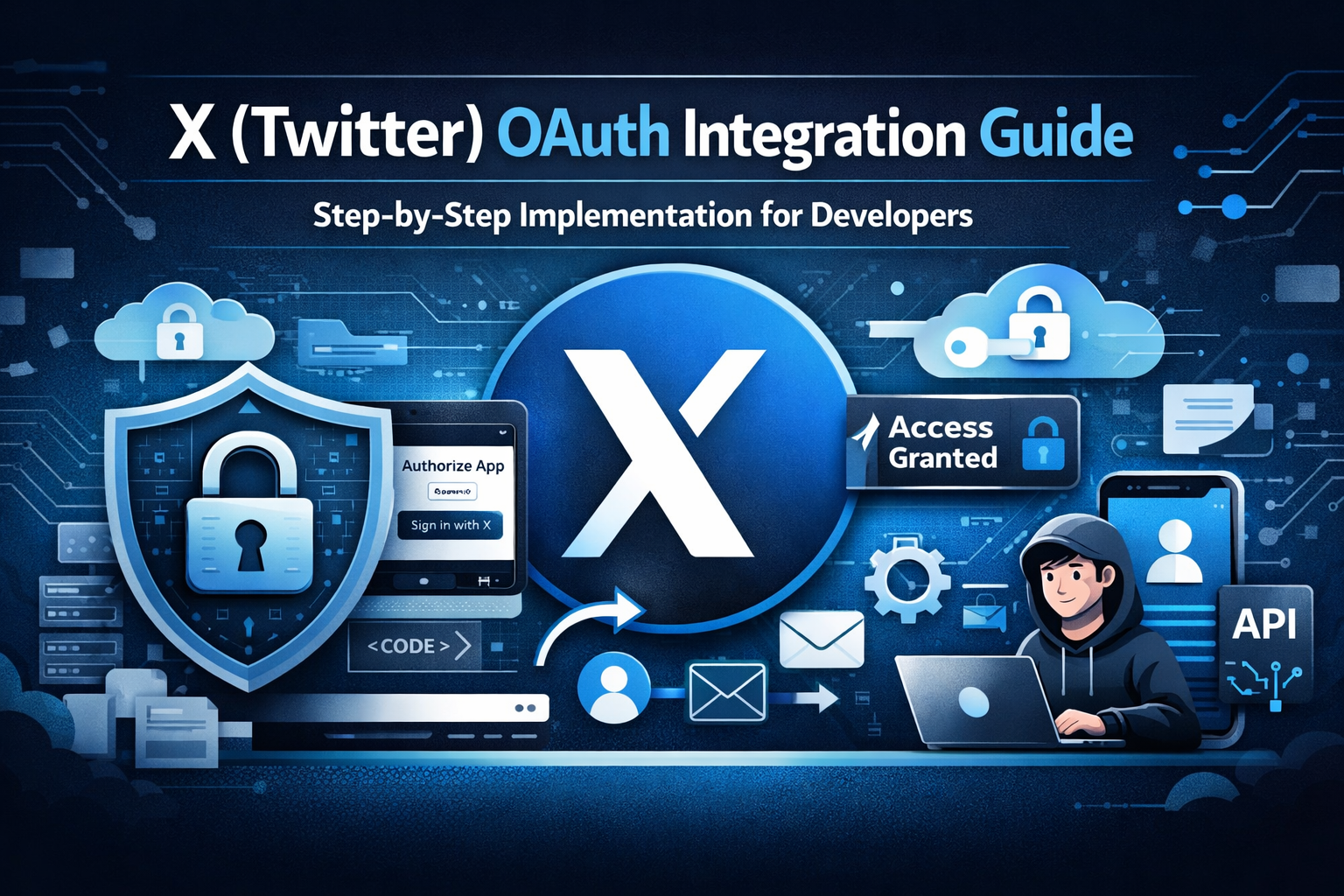
🔐 LinkedIn OAuth Integration Guide (Step-by-Step Implementation for Developers)
LinkedIn OAuth integration allows your application to securely authenticate users and access professional data such as profile information, email, and connections. If you're building social integrations like the ones covered in our Instagram OAuth Guide, LinkedIn is essential for professional and B2B platforms.
At AivoraNexGen, we design scalable OAuth integrations that enable businesses to automate authentication, recruitment workflows, and professional networking features using secure API systems.
🔎 What is LinkedIn OAuth?
LinkedIn OAuth is based on the OAuth 2.0 protocol, allowing users to grant your application access to their LinkedIn account without sharing credentials.
With LinkedIn OAuth, your app can:
- Authenticate users using LinkedIn login
- Access user profile data (name, headline, profile picture)
- Retrieve email address
- Enable job-based or professional onboarding
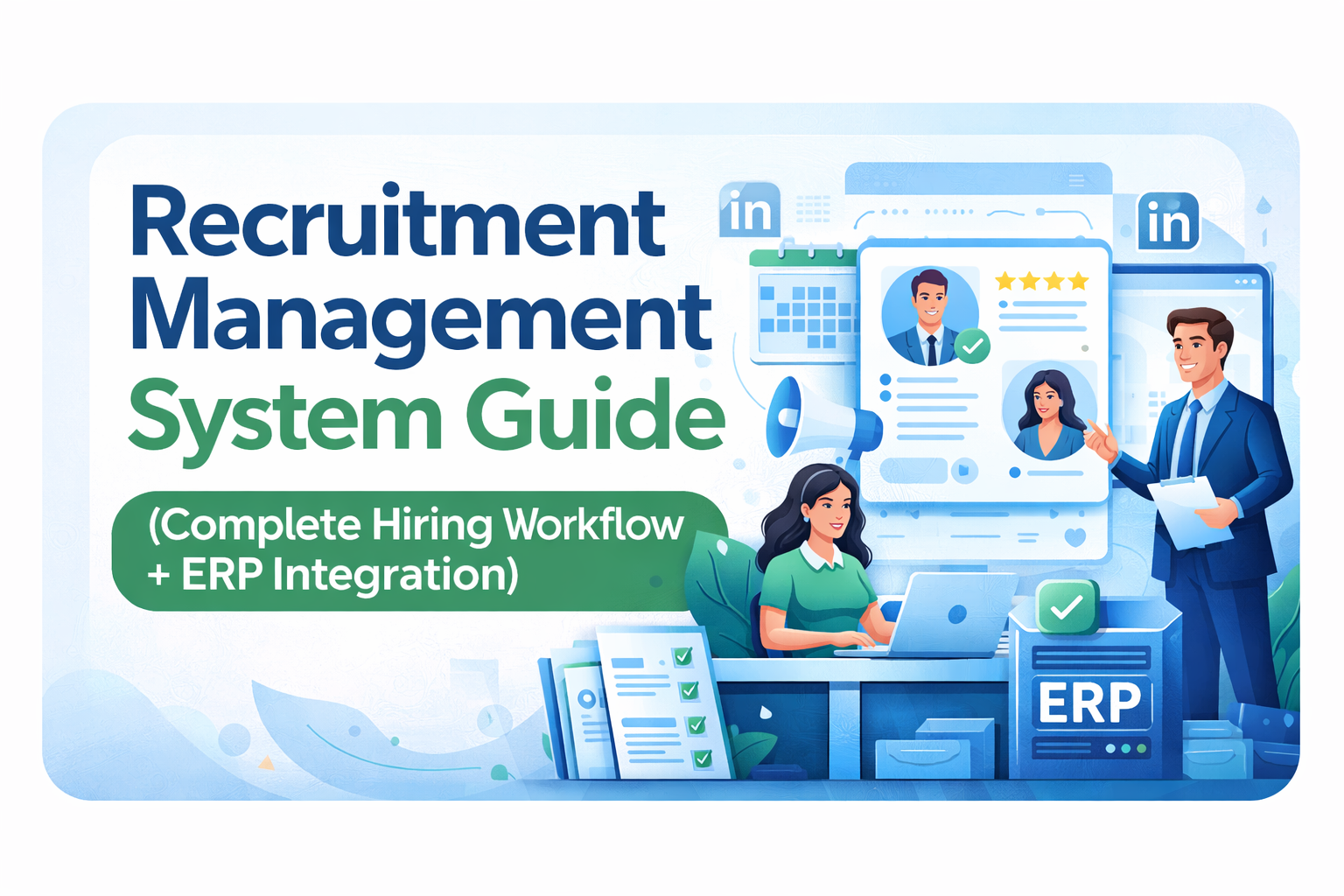
- Integrate with recruitment modules (ERP systems)
⚠️ Important Note
LinkedIn APIs are more restricted compared to other platforms. Access to advanced features like connections or posting requires additional permissions and approval.
- Basic profile access is available by default
- Email access requires specific scope
- Advanced APIs require LinkedIn approval
📋 Prerequisites
- LinkedIn Developer Account
- LinkedIn App (created in LinkedIn Developer Portal)
- Backend server (Node.js recommended)
- HTTPS enabled domain
🛠 Step 1: Create LinkedIn Developer App
- Go to LinkedIn Developer Portal
- Click Create App
- Fill app details (name, logo, company)
- Verify your app
After creation, note:
- Client ID
- Client Secret
🔗 Step 2: Configure OAuth Settings
Navigate to:
Auth → OAuth 2.0 Settings
Add your redirect URL:
https://yourdomain.com/auth/linkedin/callback
💡 This should match your backend route similar to your Instagram callback system.
🚀 Step 3: Generate Authorization URL
https://www.linkedin.com/oauth/v2/authorization?response_type=code&client_id=YOUR_CLIENT_ID&redirect_uri=YOUR_REDIRECT_URI&scope=r_liteprofile r_emailaddress
Redirect users to this URL to initiate login.
🔄 Step 4: Handle Authorization Code
After user approval, LinkedIn redirects:
https://yourdomain.com/auth/linkedin/callback?code=AUTH_CODE
Capture this code in your backend.
🔑 Step 5: Exchange Code for Access Token
POST https://www.linkedin.com/oauth/v2/accessToken
Parameters:
- grant_type=authorization_code
- code=AUTH_CODE
- redirect_uri
- client_id
- client_secret
This returns an access token.
👤 Step 6: Fetch User Profile
GET https://api.linkedin.com/v2/meAuthorization: Bearer ACCESS_TOKEN
This returns:
- First name
- Last name
- Profile details
📧 Step 7: Fetch Email Address
GET https://api.linkedin.com/v2/emailAddress?q=members&projection=(elements*(handle~))
This returns the user’s email.
🗄 Database Design (ERP Integration)
For your ERP system (Recruitment module), store:
- user_id
- platform (linkedin)
- access_token
- token_expiry
- linkedin_id
💡 You can connect this with your Recruitment Module to auto-fill candidate profiles.
🔐 Security Best Practices
- Never expose client_secret in frontend
- Use state parameter to prevent CSRF
- Encrypt tokens in database
- Use HTTPS only
⚠️ Common Issues & Fixes
- Redirect URI mismatch: Must match exactly
- Invalid scope: Use correct permissions
- Token expired: Re-authenticate user
- API restriction: Apply for LinkedIn app review
🔗 How This Fits Into Your System
LinkedIn OAuth is especially powerful for:
- Candidate login system
- Auto profile import (resume-like data)
- Job application tracking
- CRM & HR integrations
It works perfectly alongside your Instagram OAuth and Facebook OAuth integrations.
🚀 Conclusion
LinkedIn OAuth integration is essential for modern professional platforms, recruitment systems, and enterprise applications.
By implementing this OAuth flow, you can enable secure authentication, automate onboarding, and enhance your ERP system capabilities.
👉 Combine this with other integrations like Instagram OAuth and Facebook OAuth to build a complete social ecosystem.
At AivoraNexGen, we specialize in building enterprise-grade integrations that power scalable digital systems.