



 Technology
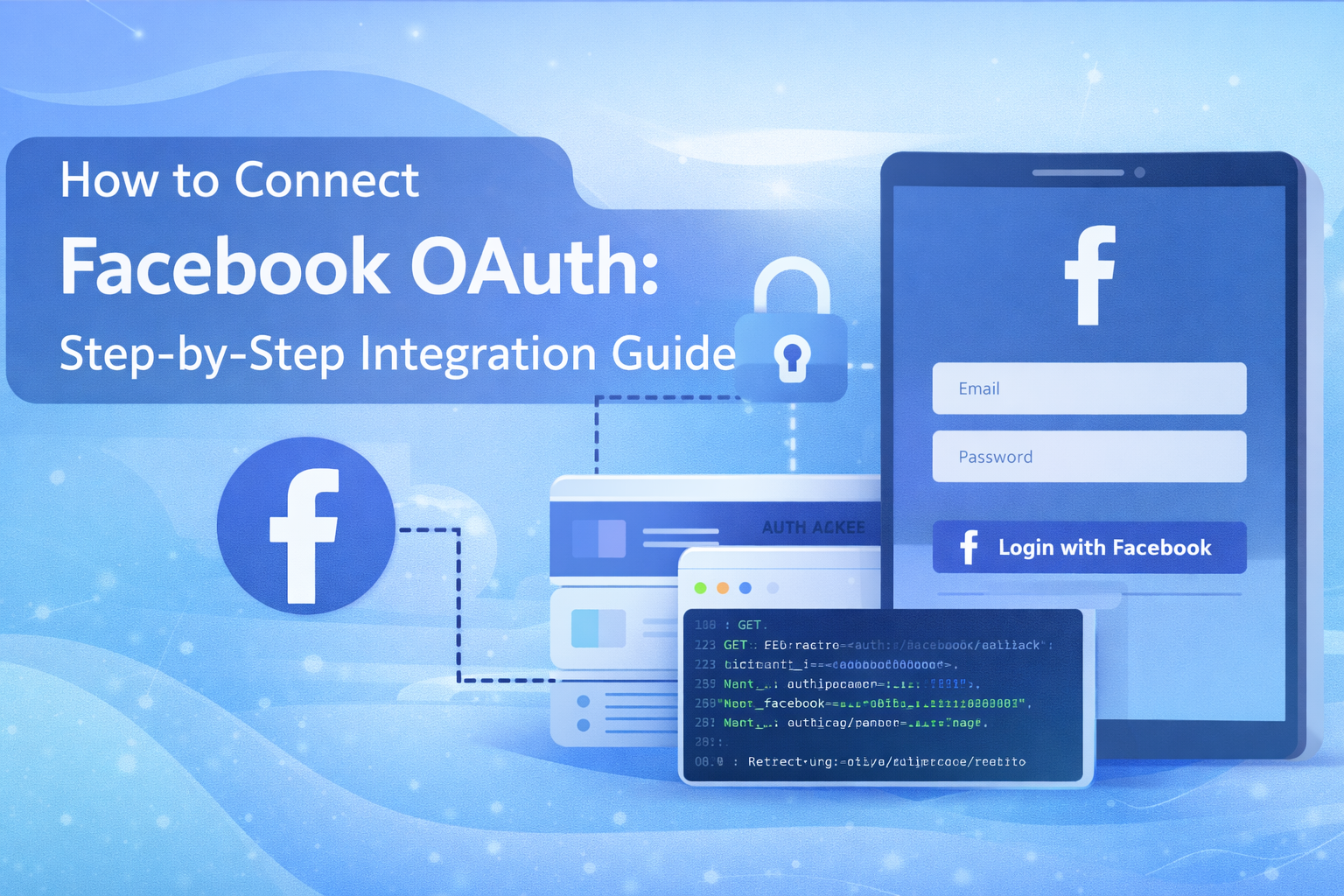
How to Connect Facebook OAuth: Complete Step-by-Step Integration Guide
Social authentication has become an essential part of modern web applications. Integrating Facebook OAuth allows users to securely log in or connect their accounts using their Facebook credentials. At AivoraNexGen, we implement scalable OAuth integrations that ensure both security and seamless user experience.
What is Facebook OAuth?
Facebook OAuth is an authentication mechanism based on the OAuth 2.0 protocol. It allows applications to request permission from users to access their Facebook data without exposing passwords.
With Facebook OAuth integration, your application can:
- Allow users to log in using their Facebook accounts
- Access profile information such as name and email
- Integrate social sharing and marketing features
- Connect Facebook pages or business accounts
Prerequisites Before Integration
Before starting the Facebook OAuth integration process, make sure you have:
- A Facebook account
- A verified domain for your application
- A backend server capable of handling OAuth callbacks
- HTTPS enabled for production environments
Step 1: Create a Facebook Developer Account
First, visit the Facebook Developers portal and log in using your Facebook account. If you are new to the platform, you will need to register as a developer and accept the platform policies.
Step 2: Create a New Facebook App
After logging into the developer dashboard:
- Click on Create App
- Select the app type (usually Business or Consumer)
- Enter your app name and contact email
- Click Create App to generate your application
Once created, Facebook will provide an App ID and App Secret. These credentials will be required for OAuth authentication.
Step 3: Add Facebook Login Product
Inside your application dashboard:
- Navigate to Add Product
- Select Facebook Login
- Choose the Web Platform
- Enter your website URL
This enables OAuth login functionality for your web application.
Step 4: Configure OAuth Redirect URL
Facebook needs a redirect URL where users will be sent after authentication.
Go to:
Facebook Login → Settings
Add your OAuth redirect URL such as:
https://yourdomain.com/auth/facebook/callback
This endpoint will handle the authorization code returned by Facebook.
Step 5: Request Required Permissions
Depending on your application's functionality, you may request permissions such as:
- public_profile
- pages_show_list
- pages_manage_posts
- pages_read_engagement
Note that some permissions require Facebook App Review before they can be used in production.
Step 6: Implement OAuth Flow in Your Backend
The OAuth process follows these steps:
- User clicks "Login with Facebook"
- User is redirected to Facebook authorization page
- User grants permission to your app
- Facebook redirects back with an authorization code
- Your server exchanges the code for an access token
The access token allows your application to interact with Facebook APIs on behalf of the user.
Step 7: Fetch User Profile Data
After obtaining the access token, you can request user information using the Graph API:
https://graph.facebook.com/me?fields=id,name,email
This response can then be used to create or authenticate users in your application.
Security Best Practices
- Never expose your App Secret in frontend code
- Always validate the OAuth state parameter
- Use HTTPS for all OAuth redirects
- Store access tokens securely
- Implement token expiration handling
Common Issues During Integration
Developers may face common problems such as:
- Invalid OAuth redirect URI
- Missing permissions approval
- Domain verification issues
- Incorrect App ID or Secret
Carefully reviewing the Facebook Developer Console configuration usually resolves these issues.
Conclusion
Facebook OAuth integration is a powerful way to enable secure authentication and social connectivity within modern applications. By following the correct setup process and implementing proper security practices, businesses can provide a seamless login experience while leveraging Facebook's vast ecosystem.
At AivoraNexGen, we help businesses integrate advanced authentication systems and scalable API solutions to enhance digital platforms and customer engagement.