



 Technology
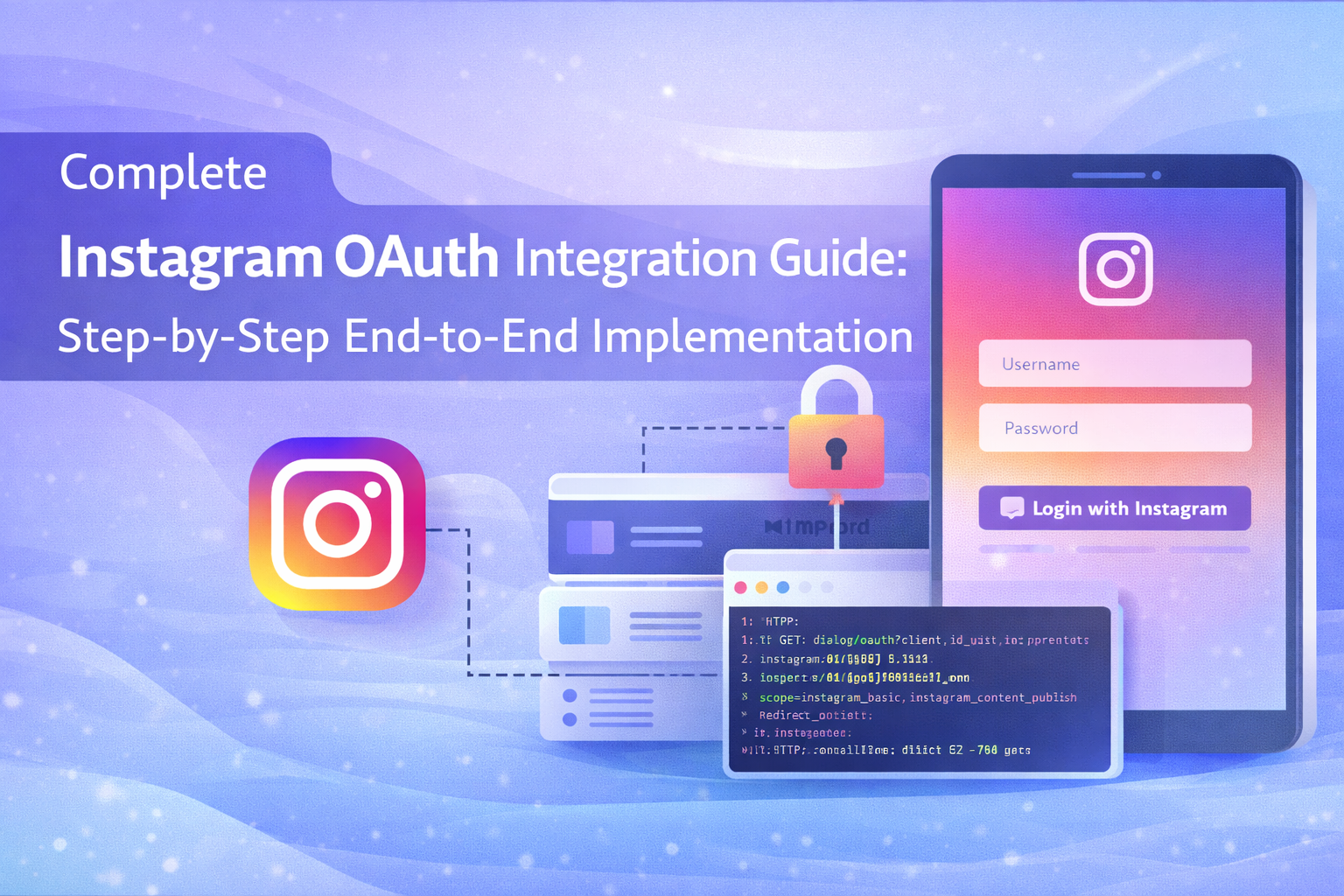
Complete Instagram OAuth Integration Guide: Step-by-Step End-to-End Implementation
Instagram OAuth integration enables applications to securely connect with Instagram accounts, allowing access to user profiles, media, and engagement data. As part of the Facebook ecosystem, Instagram authentication is handled through Facebook's OAuth 2.0 system and the Instagram Graph API.
At AivoraNexGen, we build scalable social integrations that allow businesses to automate publishing, analytics, and user authentication using secure OAuth flows.
What is Instagram OAuth?
Instagram OAuth is an authentication process based on the OAuth 2.0 protocol that allows users to grant your application access to their Instagram data without sharing their passwords.
With Instagram OAuth, your application can:
- Authenticate users using their Instagram accounts
- Access profile data (username, account ID, media)
- Publish posts (for business accounts)
- Retrieve insights and analytics
- Manage social media automation workflows
Important Note: Instagram Uses Facebook OAuth
Unlike other platforms, Instagram OAuth is managed through Facebook Developers. This means:
- You must create a Facebook App
- You will use the Instagram Graph API
- Only Business or Creator accounts are supported for advanced features
Prerequisites
- Facebook Developer Account
- Instagram Business or Creator Account
- Facebook Page linked with Instagram account
- Backend server (Node.js recommended for your stack)
- HTTPS enabled domain
Step 1: Create Facebook Developer App
- Go to Facebook Developers Dashboard
- Click Create App
- Select Business type
- Enter app details and create app
After creation, note your:
- App ID
- App Secret
Step 2: Add Instagram Graph API
- Go to Add Product
- Select Instagram Graph API
- Set up the product
This enables Instagram OAuth capabilities.
Step 3: Configure Facebook Login
- Add Facebook Login product
- Select Web
- Enter your website URL
Step 4: Configure OAuth Redirect URI
Navigate to:
Facebook Login → Settings
Add your redirect URL:
https://yourdomain.com/auth/instagram/callback
This is where Instagram will send the authorization code.
Step 5: Generate Authorization URL
Redirect users to the following URL:
https://www.facebook.com/v18.0/dialog/oauth?client_id=YOUR_APP_ID&redirect_uri=YOUR_REDIRECT_URI&scope=instagram_basic,instagram_content_publish,pages_show_list&response_type=code
This will open the Facebook login and permission screen.
Step 6: Handle Authorization Code
After user approval, Facebook redirects back:
https://yourdomain.com/callback?code=AUTH_CODE
Capture this authorization code in your backend.
Step 7: Exchange Code for Access Token
Make a POST request:
https://graph.facebook.com/v18.0/oauth/access_token
Parameters:
- client_id
- client_secret
- redirect_uri
- code
This returns a short-lived access token.
Step 8: Get Long-Lived Access Token
Exchange short-lived token:
https://graph.facebook.com/v18.0/oauth/access_token?grant_type=fb_exchange_token&client_id=APP_ID&client_secret=APP_SECRET&fb_exchange_token=SHORT_TOKEN
This gives a token valid for ~60 days.
Step 9: Get Instagram Business Account ID
First fetch pages:
https://graph.facebook.com/me/accounts
Then:
https://graph.facebook.com/{page-id}?fields=instagram_business_accountThis returns your Instagram account ID.
Step 10: Fetch Instagram Profile Data
https://graph.facebook.com/{ig-user-id}?fields=id,username,account_type,media_countStep 11: Publish Content (Optional)
Create media container:
POST /{ig-user-id}/mediaThen publish:
POST /{ig-user-id}/media_publishDatabase Design Suggestion (For Your ERP)
Since you're building an ERP system, store:
- user_id
- platform (instagram)
- access_token
- refresh_token (if applicable)
- token_expiry
- instagram_account_id
Security Best Practices
- Never expose App Secret in frontend
- Use state parameter to prevent CSRF
- Encrypt access tokens in database
- Refresh tokens before expiry
- Use secure HTTPS endpoints
Common Issues & Fixes
- Invalid Redirect URI: Must exactly match configuration
- Permission Errors: Submit app for review
- No Instagram Account Found: Ensure account is linked to Facebook page
- Token Expired: Use long-lived token flow
How This Fits Into Your Social Module
In your ERP Social module (like the UI you're building), Instagram OAuth enables:
- Account connection dashboard
- Post scheduling system
- Analytics tracking
- Multi-account management
This directly integrates with your existing Node.js + Sequelize backend by storing tokens and linking them with user workspaces.
Conclusion
Instagram OAuth integration is essential for modern social platforms and business tools. By following this end-to-end guide, developers can securely connect Instagram accounts, manage content, and build scalable automation systems.
At AivoraNexGen, we specialize in building enterprise-grade integrations that power next-generation digital platforms.